> ## Documentation Index
> Fetch the complete documentation index at: https://apidocs.taxwire.com/llms.txt
> Use this file to discover all available pages before exploring further.
# Authentication
> How to authenticate in order to call the Taxwire API
## API keys management
To use the Taxwire API you need an API key. Assuming you have an account set up, login and generate an API key from the [developer page](https://app.taxwire.com/developer).
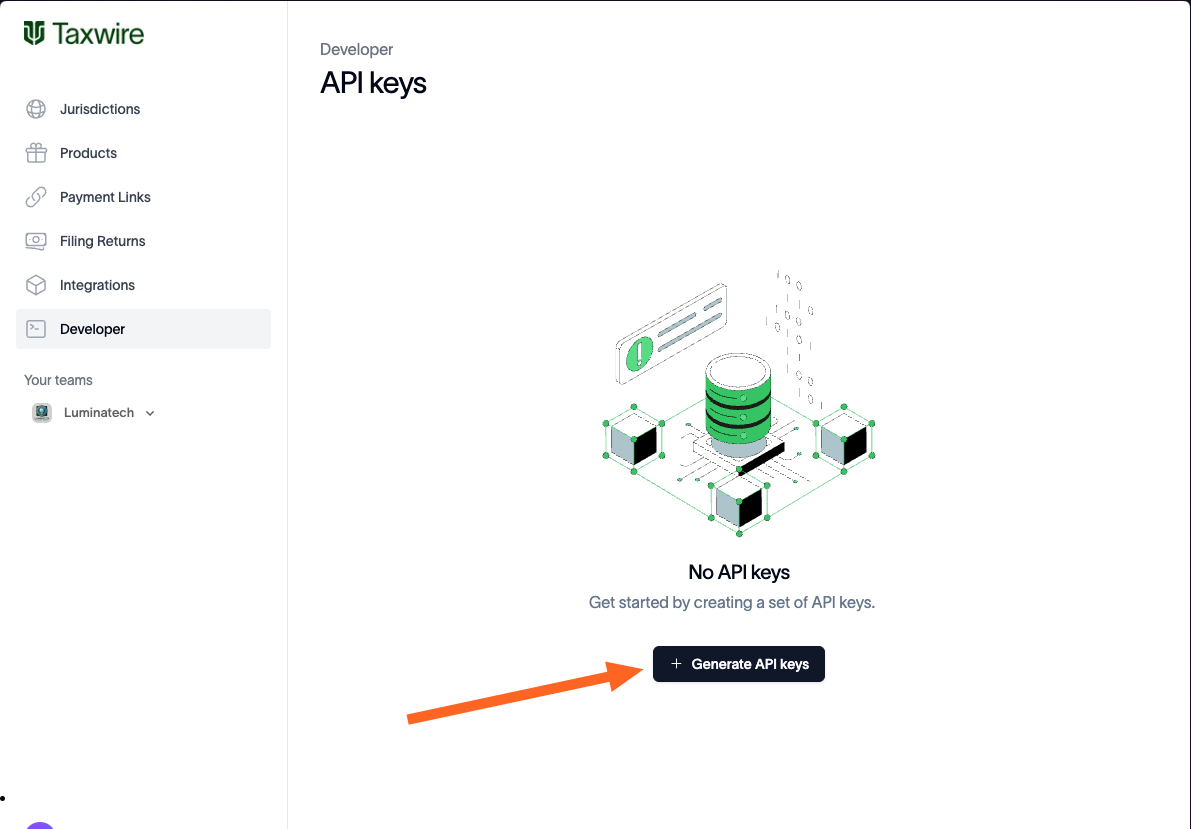
If you don't already have a key created, make a new one [here](https://app.taxwire.com/developer):
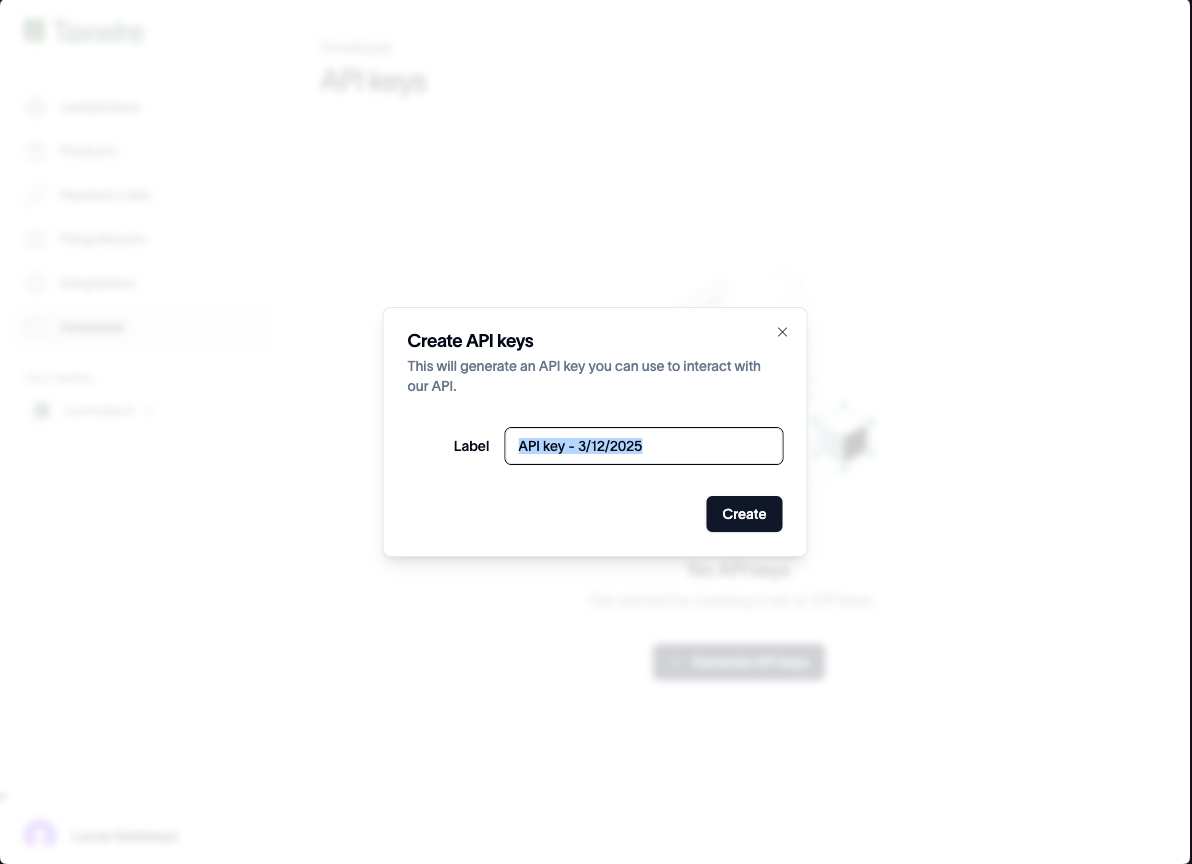
 Name the key
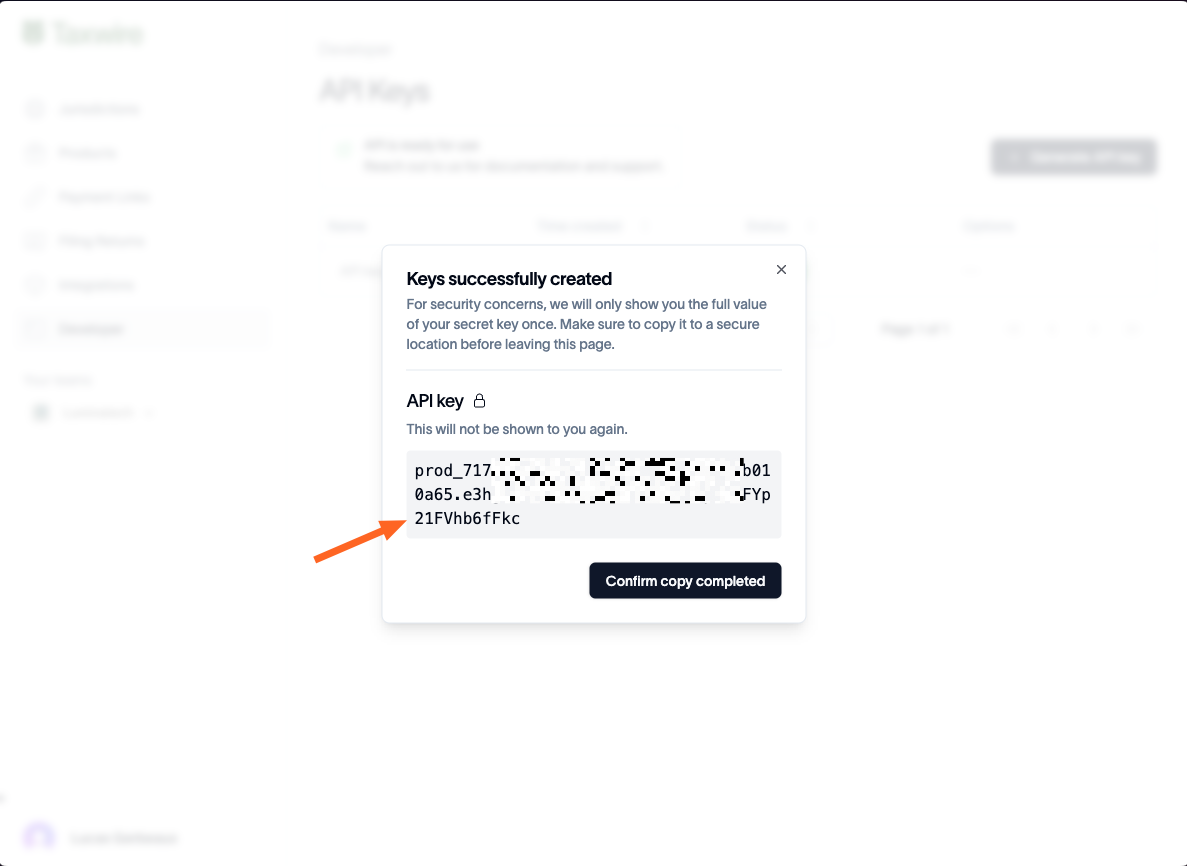
 Make sure you copy the key and save it into a secure store (1Password, etc.). Once the popup is closed you cannot see the key in clear again.
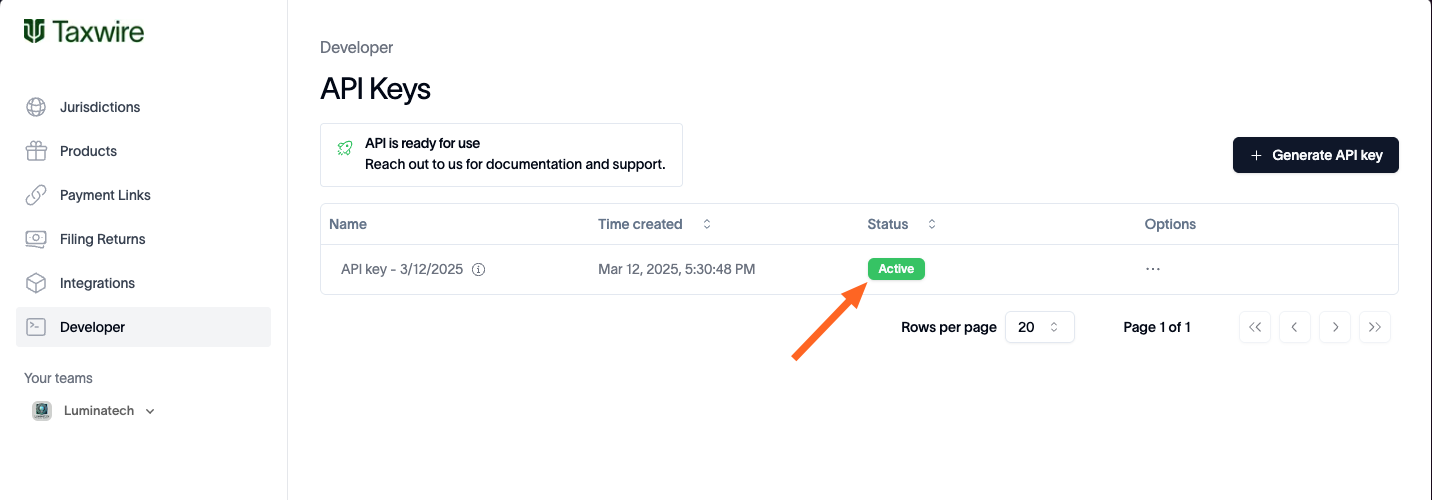
 You can now see all active keys
 ## Request Authentication
All API endpoints are authenticated using an API key header. Copy the secret key you saved when creating your API key and pass it as a http header to all requests to the API.
Example code with appropriate auth header (`X-API-Key`):
```shell cURL theme={null}
curl --request POST \
--url https://api.taxwire.com/calculations \
--header 'Content-Type: application/json' \
--header 'Taxwire-Version: hydrogen.2025-04-15' \
--header 'X-API-Key: YOUR_API_KEY' \
--data '{....SOME BEAUTIFUL JSON....}'
```
```python Python theme={null}
import requests
url = "https://api.taxwire.com/calculations"
headers = {
"Taxwire-Version": "hydrogen.2025-04-15",
"Content-Type": "application/json",
"X-API-Key": "YOUR_API_KEY"
}
payload = {
# ... MORE BEAUTIFUL JSON ...
}
response = requests.request("POST", url, json=payload, headers=headers)
response.json()
```
```javascript JavaScript theme={null}
const options = {
method: 'POST',
headers: {
'Taxwire-Version': 'hydrogen.2025-04-15',
'Content-Type': 'application/json',
'X-API-Key': 'YOUR_API_KEY'
},
body: '{ ...GREAT JSON... }'
};
fetch('https://api.taxwire.com/calculations', options)
.then(response => response.json())
.then(response => console.log(response))
.catch(err => console.error(err));
```
## Request Authentication
All API endpoints are authenticated using an API key header. Copy the secret key you saved when creating your API key and pass it as a http header to all requests to the API.
Example code with appropriate auth header (`X-API-Key`):
```shell cURL theme={null}
curl --request POST \
--url https://api.taxwire.com/calculations \
--header 'Content-Type: application/json' \
--header 'Taxwire-Version: hydrogen.2025-04-15' \
--header 'X-API-Key: YOUR_API_KEY' \
--data '{....SOME BEAUTIFUL JSON....}'
```
```python Python theme={null}
import requests
url = "https://api.taxwire.com/calculations"
headers = {
"Taxwire-Version": "hydrogen.2025-04-15",
"Content-Type": "application/json",
"X-API-Key": "YOUR_API_KEY"
}
payload = {
# ... MORE BEAUTIFUL JSON ...
}
response = requests.request("POST", url, json=payload, headers=headers)
response.json()
```
```javascript JavaScript theme={null}
const options = {
method: 'POST',
headers: {
'Taxwire-Version': 'hydrogen.2025-04-15',
'Content-Type': 'application/json',
'X-API-Key': 'YOUR_API_KEY'
},
body: '{ ...GREAT JSON... }'
};
fetch('https://api.taxwire.com/calculations', options)
.then(response => response.json())
.then(response => console.log(response))
.catch(err => console.error(err));
```